
Free Fuse Bead Patterns to Print
28 free patterns · fits a 29×29 board · PDF, PNG and print at true size
Every pattern here fits a standard 29×29 square pegboard, uses at most 12 generic colours and comes as a colour chart, a symbol chart for black-and-white printing and a PNG. Download or print, count your beads with the legend, and iron when you're done. Works with any brand of iron-on beads (also called melty beads or iron beads).
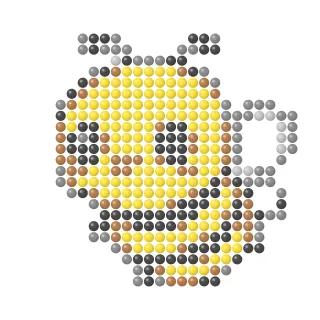 Bee
Bee
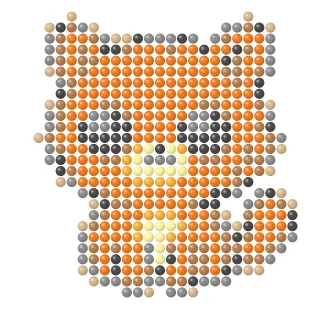 Orange Cat
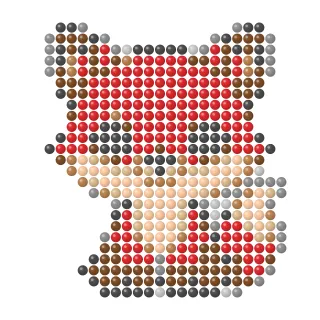 Red Fox
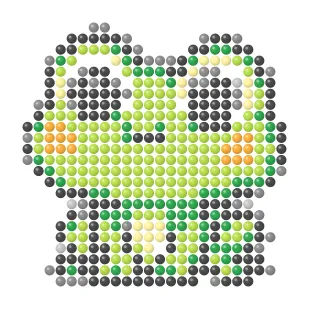 Green Frog
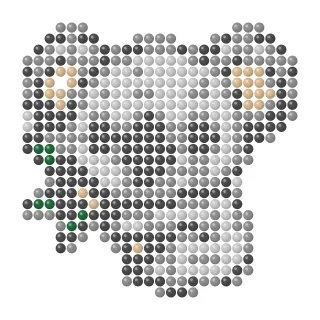 Koala
Koala
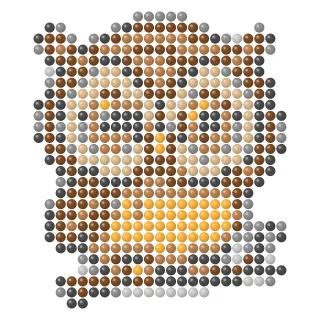 Owl
Owl
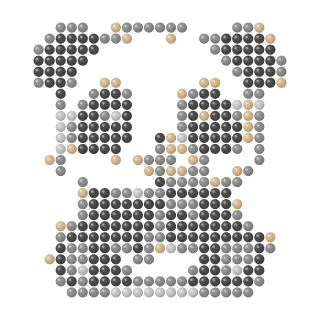 Panda
Panda
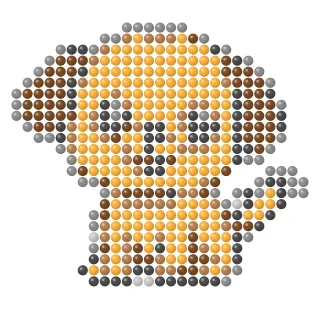 Puppy
Puppy
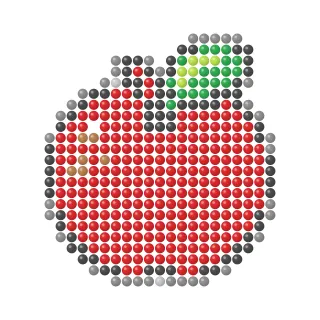 Red Apple
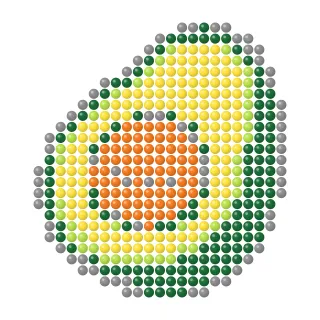 Avocado
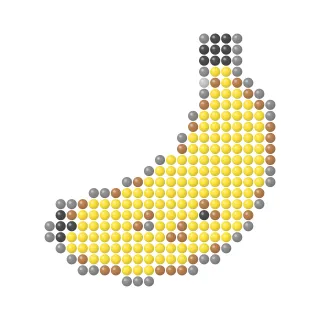 Banana
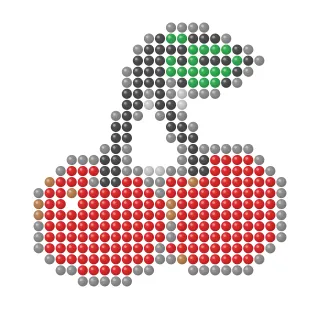 Cherries
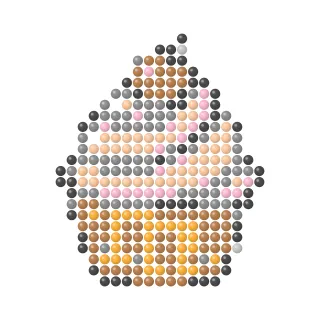 Cupcake
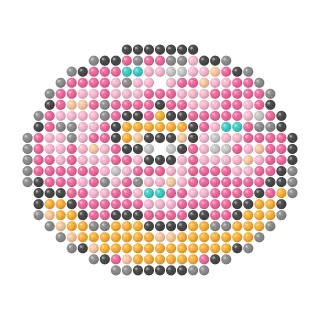 Pink Donut
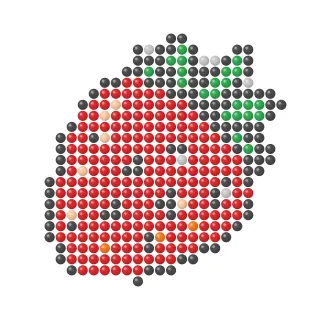 Strawberry
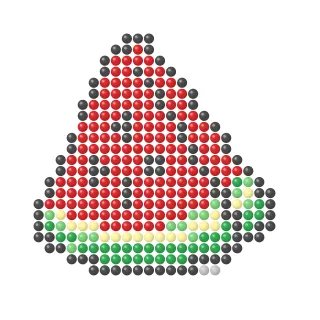 Watermelon Slice
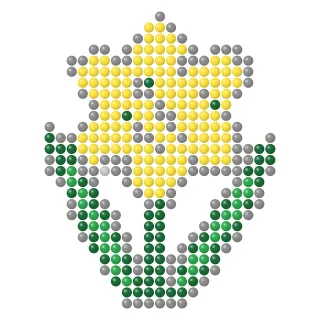 Daffodil
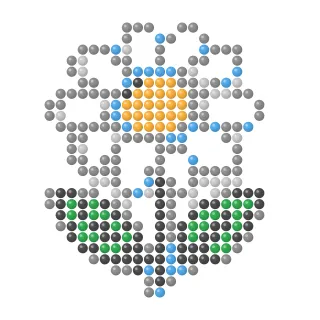 Daisy
Daisy
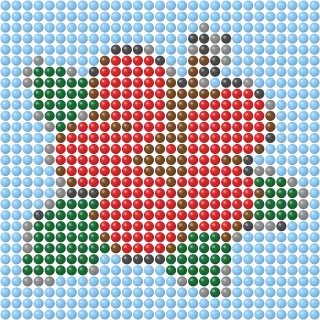 Hibiscus
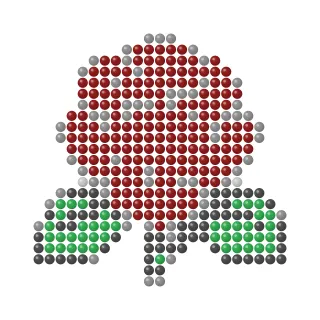 Red Rose
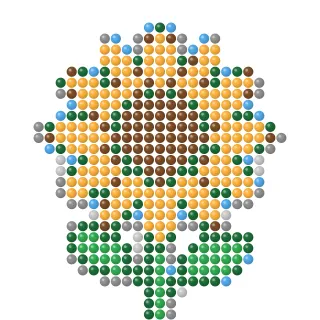 Sunflower
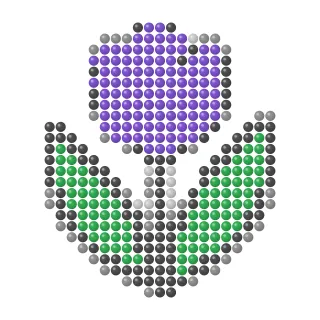 Purple Tulip
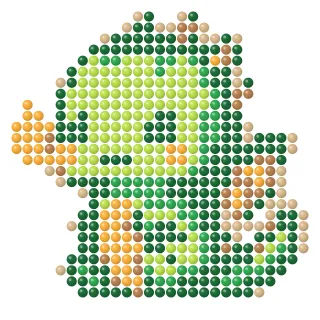 Baby Dragon
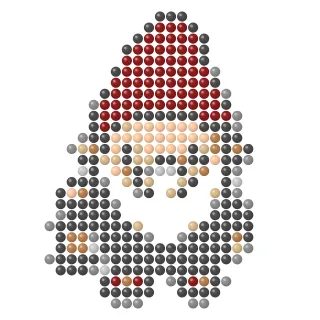 Garden Gnome
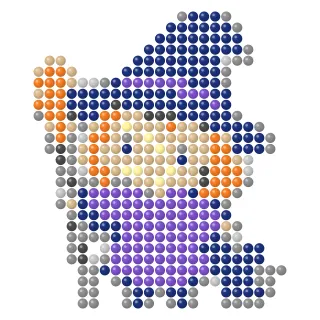 Little Witch
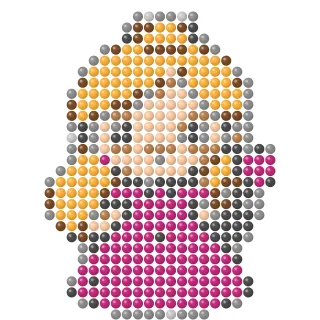 Princess
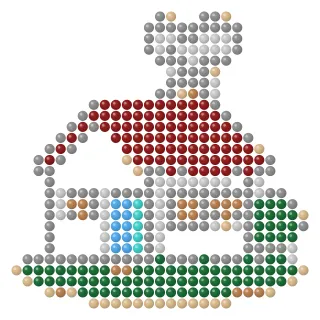 Red Cottage
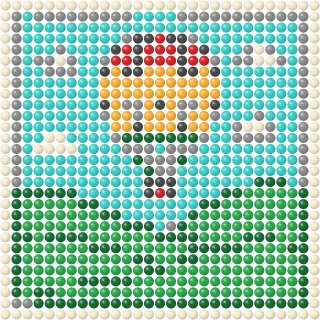 Hot Air Balloon
How it works
- Pick a pattern and download the color chart, the symbol chart for black-and-white printers, or the PNG.
- Count your beads with the legend — every pattern lists how many beads of each color it needs.
- Place, iron, cool. Row by row on the pegboard, then iron under paper. Read how to iron fuse beads before your first try.
Frequently asked questions
What size pegboard do I need?
Every pattern fits a standard 29×29 square pegboard (about 14.5 cm / 5.7 in with 5 mm beads). Smaller pictures simply leave the outer rows empty.
Which beads do the patterns work with?
Any 5 mm iron-on beads — the ones also sold as fuse beads, melty beads or iron beads. Colour names in the legend are generic; pick the closest shade from your set.
Are the patterns really free?
Yes. Download the PDF or PNG without signing up and use them for personal projects, school and craft groups. Please don't resell the files.
How do I print at the right size?
Open the PDF and print at 100 % (no "fit to page"). One square then equals one 5 mm bead, so you can lay the sheet under a transparent pegboard and place beads directly on top. For mini beads, print at 50 %.
Can I build these on my phone instead?
Every picture here is also in the Bead Art app for iPhone, iPad and Android, where you place beads by tapping — no iron, no cleanup.
Pixel art, cross-stitch and bead patterns
Bead charts are pixel art on a 5 mm grid, so the same picture can be drawn on squared paper or stitched. If you are after blank grids and pixel-art templates to draw by hand, our sister site Pixel Paint has printable pixel art grids and a color-by-number app.